Admin: Alert Groups
Alert Groups define which contacts or teams receive notifications when an alert is triggered. You can create multiple groups for different event types,…
Alert Groups define which contacts or teams receive notifications when an alert is triggered. You can create multiple groups for different event types, regions, or severity levels.
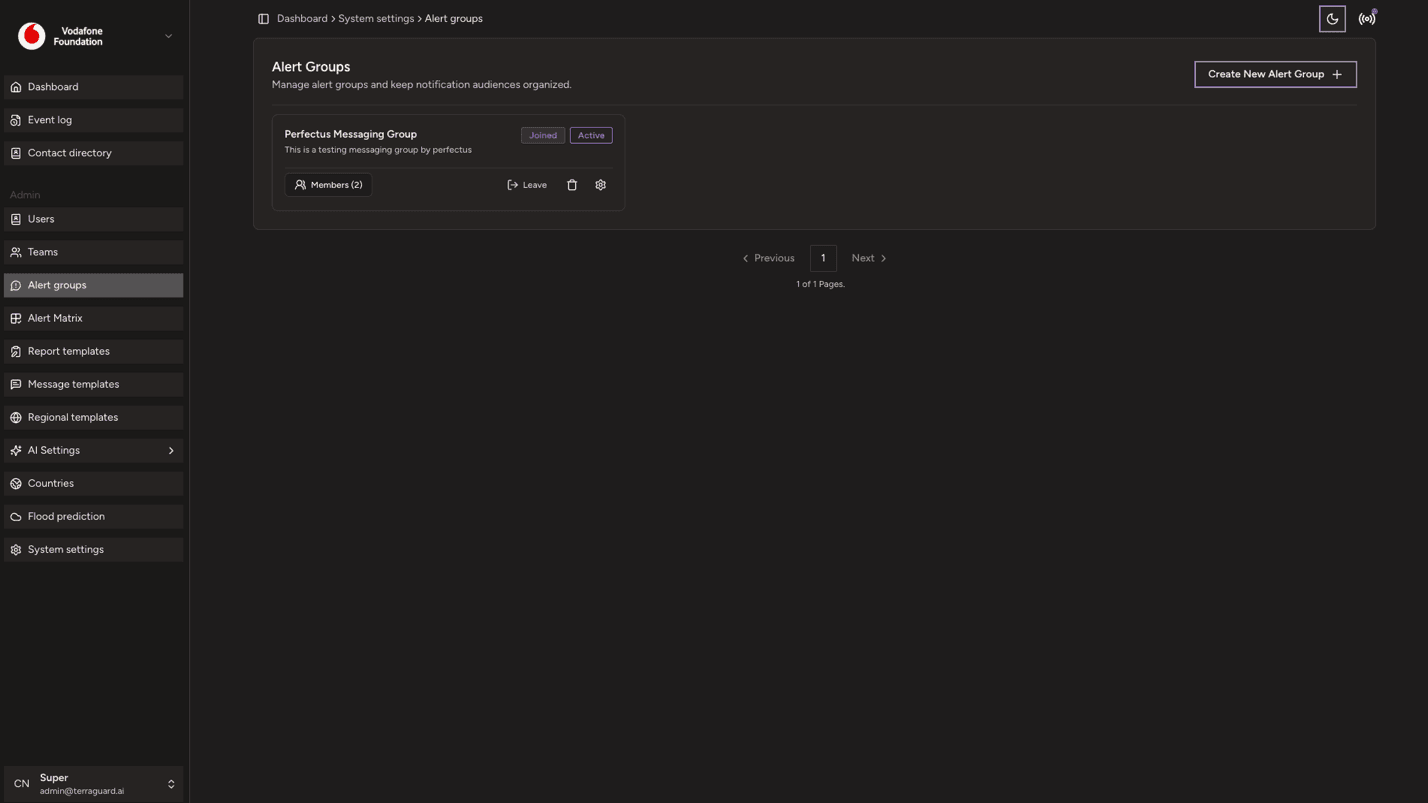
Creating an Alert Group
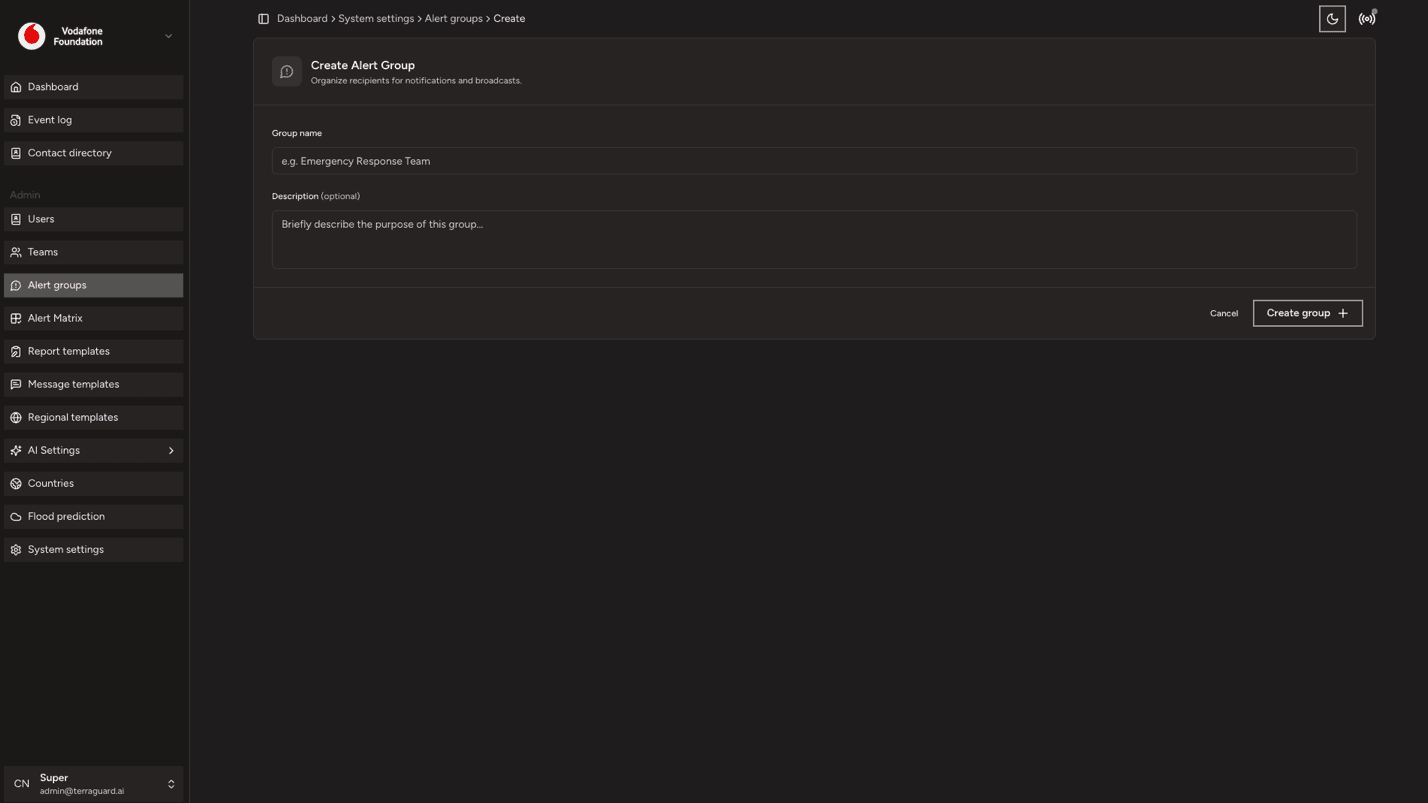
To create an alert group:
- Click Create Alert Group.
- Enter a name and optional description for the group.
- Add contacts and/or teams to the group.
- Select the notification channels (email, Telegram, etc.) for this group.
- Assign a message template to the group — this determines the format and content of the notification that is sent when the group is triggered. Message templates are configured in Settings > Message Templates.
- Click Save.
Assigning Alert Groups to Events
Alert groups are linked to events via the Alert Matrix (see Section 10). The matrix maps event types and alert levels to alert groups, so that the right group is triggered automatically when a matching event is detected.
Editing and Deleting Alert Groups
To edit a group, click the edit icon, make changes, and save. To delete a group, click Delete and confirm. Removing a group does not delete its member contacts or teams.
Admin: Teams
Teams are groups within an organisation that share notification preferences and operational focus. Each team has its own set of notification channels,…
Admin: Alert Matrix
The Alert Matrix is the core configuration that determines which alert groups are notified for which types of events and at which severity level. It maps…