Settings: General
The General settings page allows Admins to configure organisation-wide settings. It has three tabs: General, Filter Configurations, and Service Health.
The General settings page allows Admins to configure organisation-wide settings. It has three tabs: General, Filter Configurations, and Service Health.
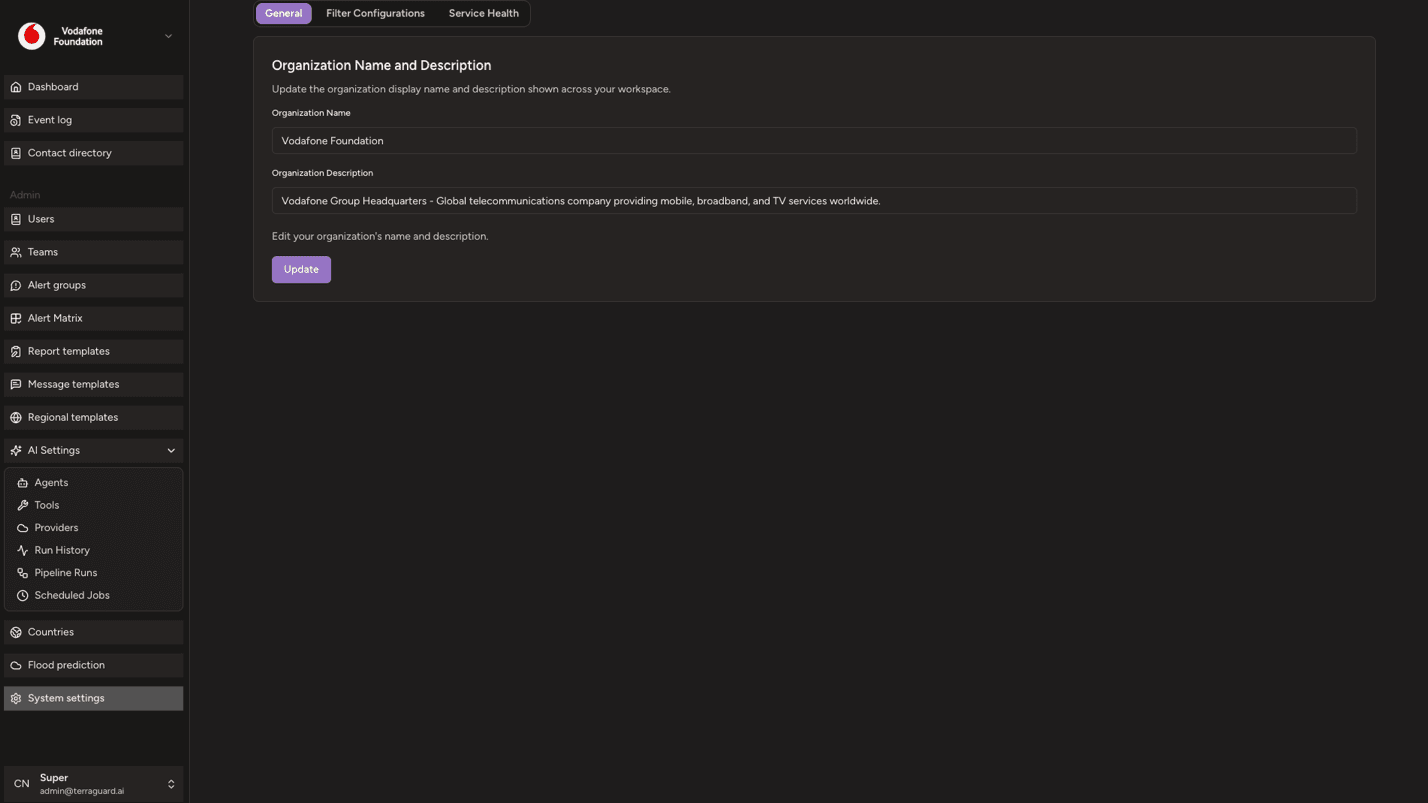
General Tab
The General tab allows Admins to update the organisation's display name and description shown across the workspace. Enter the new values and click Update to save.
Filter Configurations
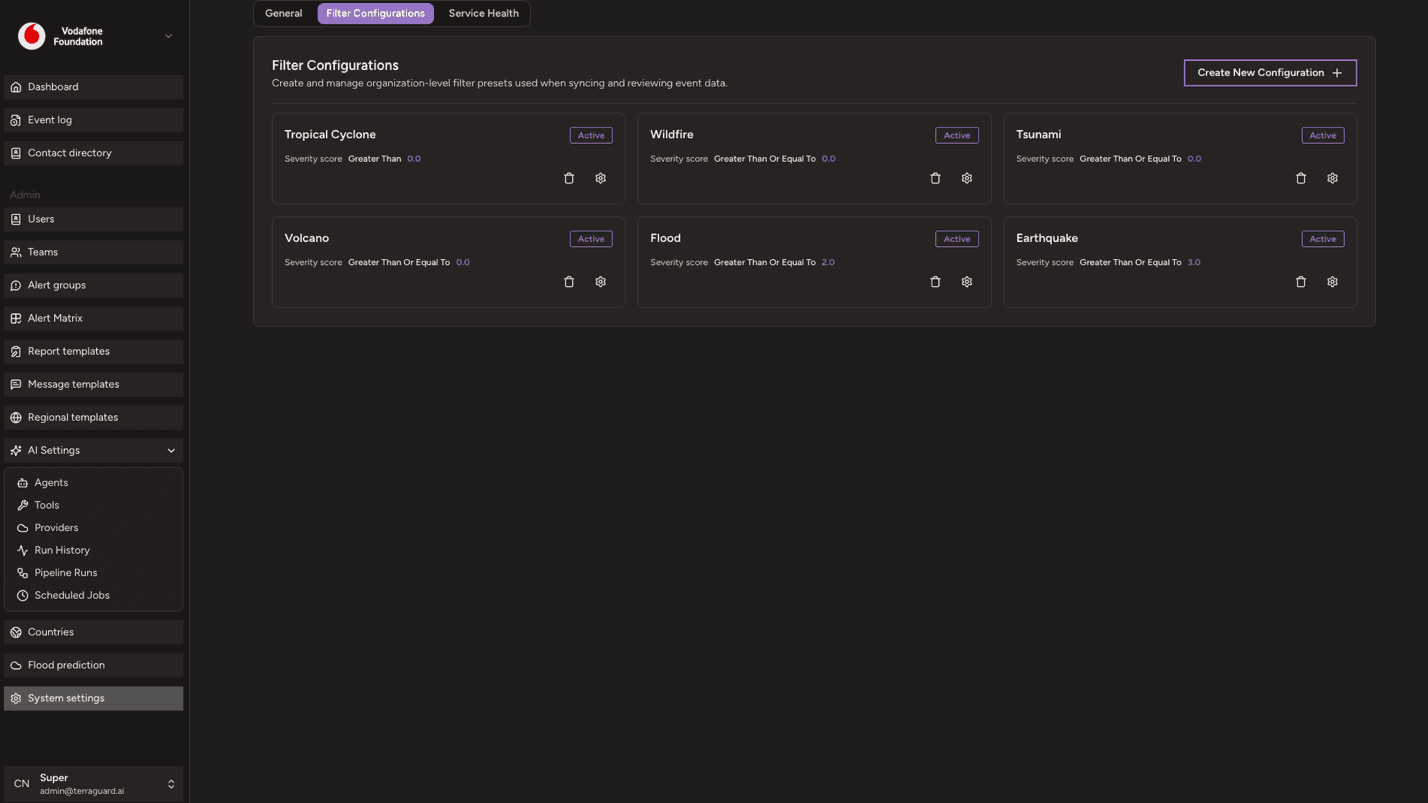
Filter Configurations are organisation-level presets that define how events are filtered when syncing and reviewing data. They allow you to save commonly-used filter combinations so teams can apply them quickly without re-configuring filters each time.
To create a new filter configuration:
- Click Create New Configuration.
- Define the filter criteria (event types, alert levels, countries, date ranges, etc.).
- Give the configuration a name and save it.
Saved configurations appear as cards and can be edited or deleted by Managers and Admins.
Service Health
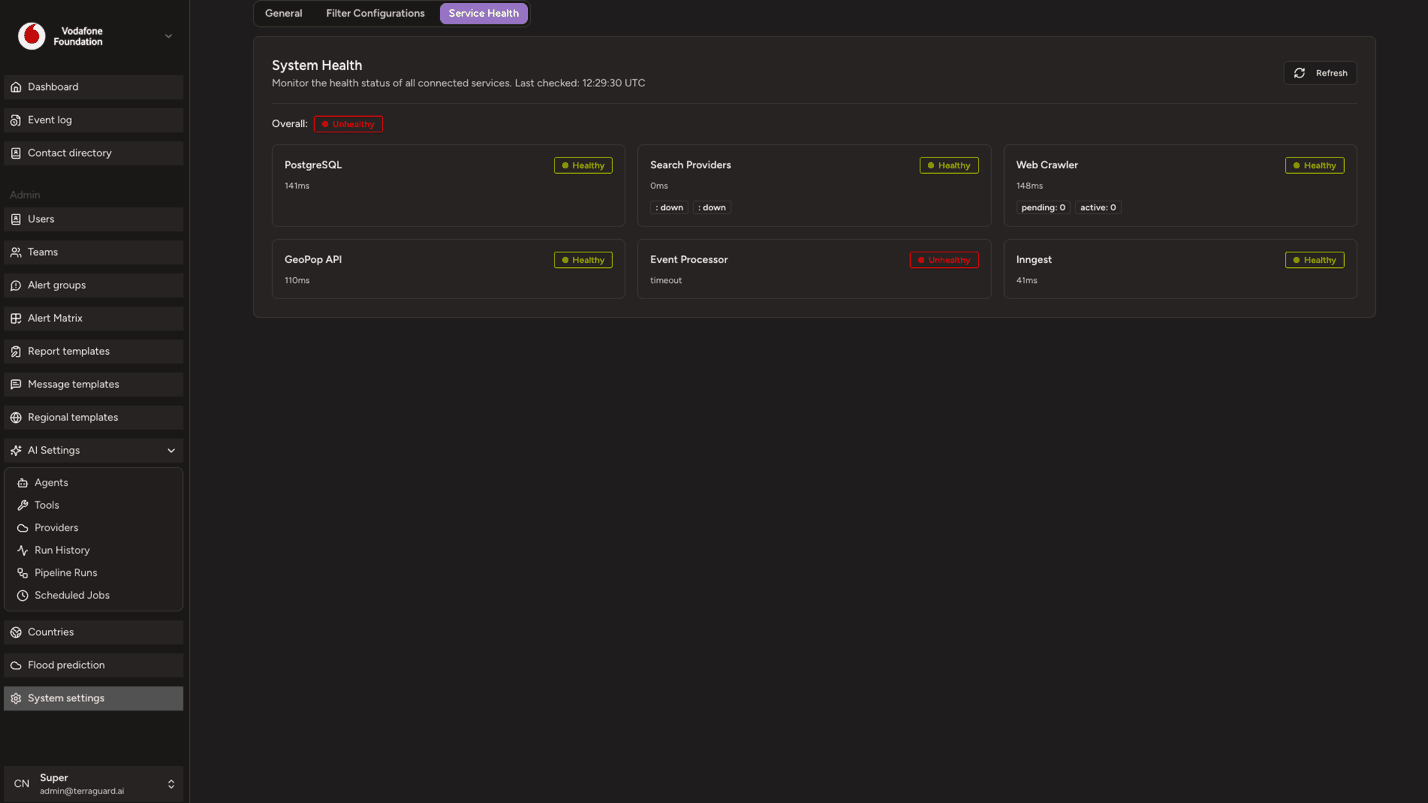
The Service Health tab provides a real-time view of the health status of all connected services in the TerraGuard platform. Each service is displayed as a card showing:
- Service name
- Status badge — Healthy (green), Degraded (orange), or Unhealthy (red)
- Response time in milliseconds (or 'timeout' if the service is unreachable)
- Additional details where available — such as search provider availability, job queue depths (pending and active jobs), and event processor adapter status
An overall platform status badge at the top summarises the health across all services. Click Refresh to re-check all service health endpoints on demand.
Flood Prediction
The Flood Prediction page displays real-time flood forecasts powered by the Google Flood Forecasting API. It provides early warning data for river gauge…
Reports and Notifications
TerraGuard provides two complementary systems for communicating event information to response teams: AI-generated reports for comprehensive situational…