Getting Started
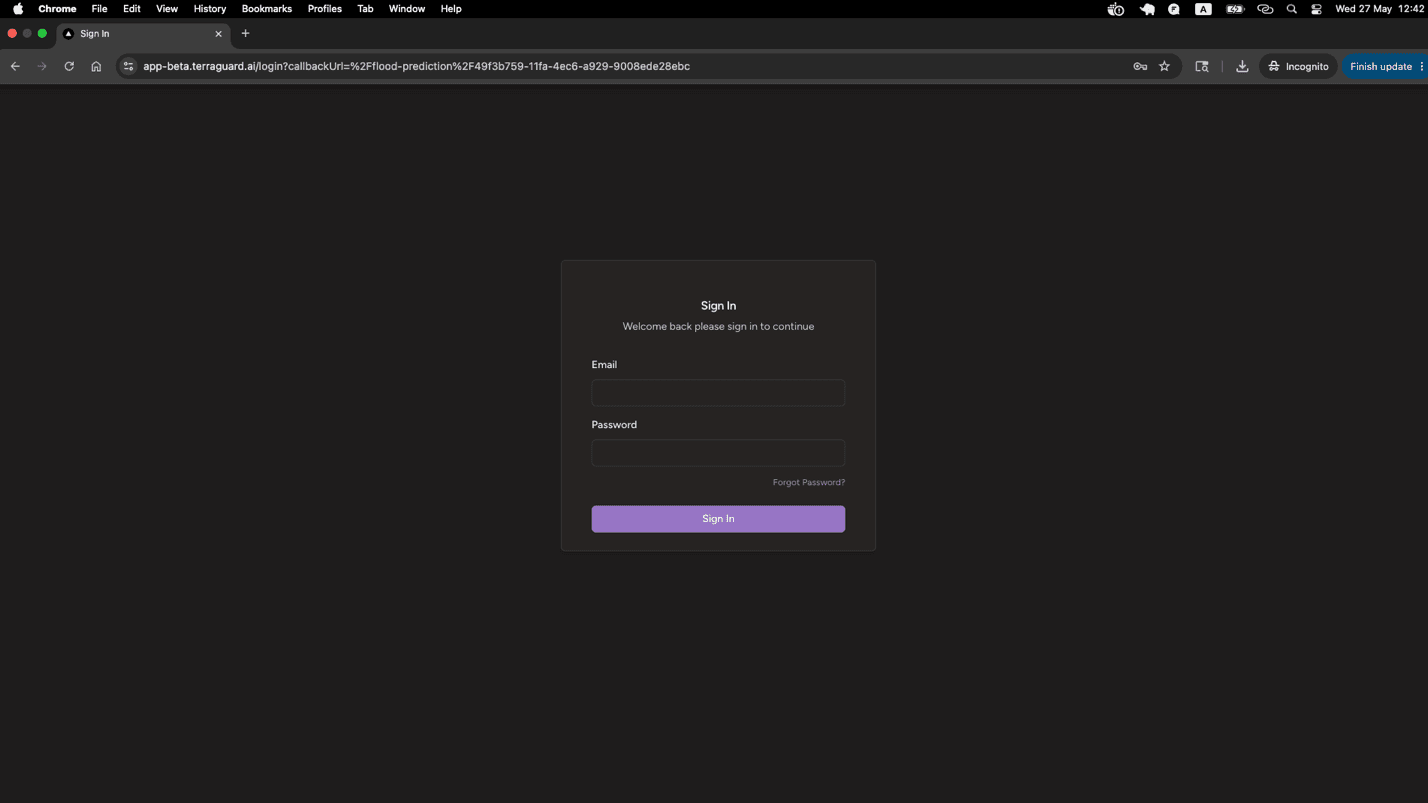
To access TerraGuard AI, navigate to https://app-beta.terraguard.ai/ in your web browser. Sign in using your Google account via the Google Sign-In button,…
Logging In
To access TerraGuard AI, navigate to https://app-beta.terraguard.ai/ in your web browser. Sign in using your Google account via the Google Sign-In button, or use your email address and password.
- If you have forgotten your password, click Forgot password on the login screen.
- After your first login you may be prompted to verify your email address.
- A single account can belong to multiple organizations with different roles in each.
Navigating the Platform
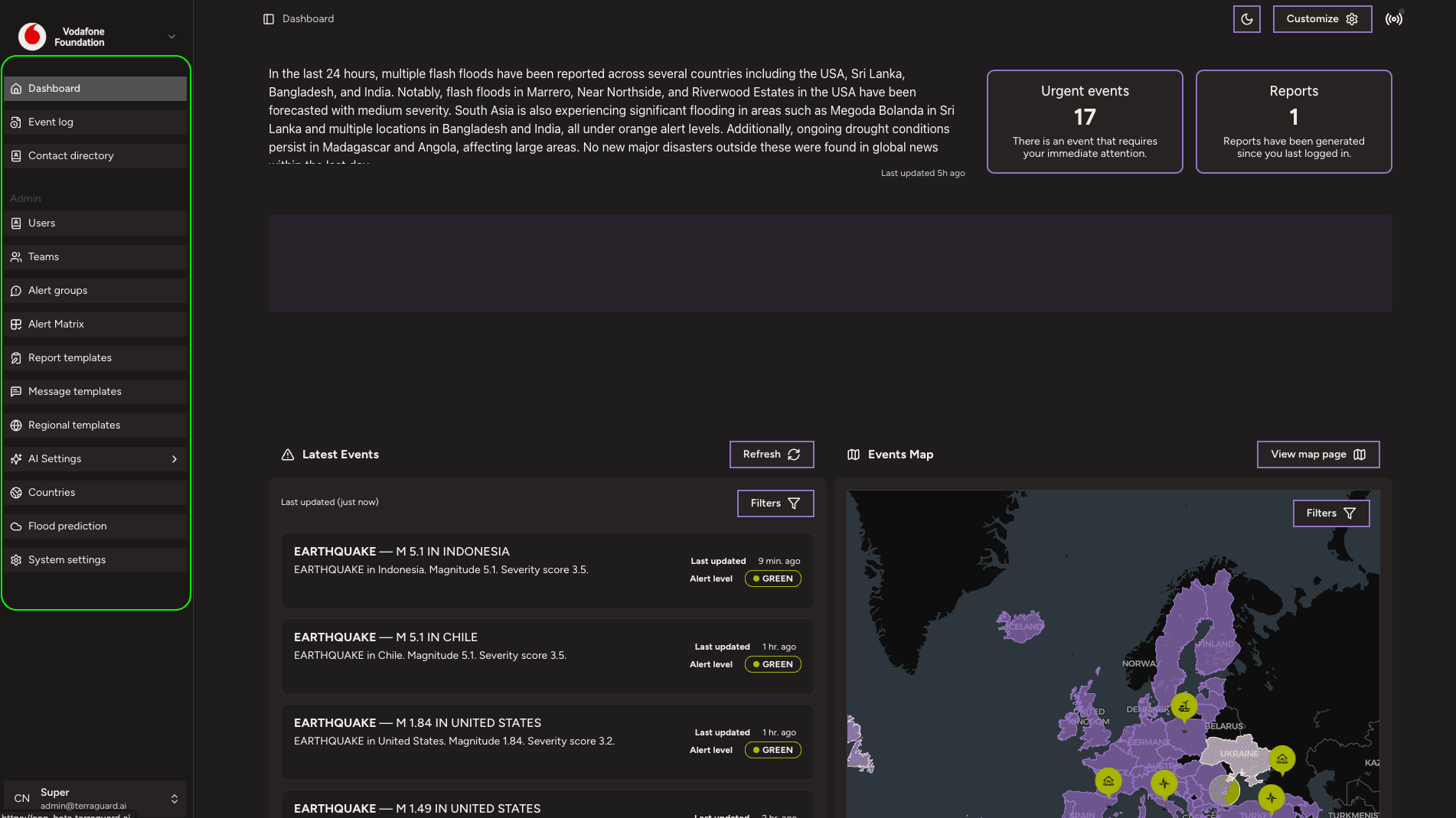
The left-hand sidebar provides access to all sections of the platform:
- Dashboard — real-time map of global disaster events
- Event Log — full searchable history of all monitored events
- Contact Directory — contacts extracted from knowledge base content and manually added
- Countries — country-level configuration and deployment likelihood
- Flood Prediction — real-time flood forecasts from Google Flood Forecasting
The Settings section provides access to system configuration: Teams, Alert Groups, Region Templates, and (for super admins) AI Settings and System Settings.
Understanding Alert Levels
TerraGuard AI uses a three-tier colour-coded alert system:
- GREEN — Low severity. Informational event, no immediate action required.
- ORANGE — Medium severity. The situation requires attention and monitoring.
- RED — High severity. Immediate action is required.
Introduction
TerraGuard AI is a disaster risk monitoring platform developed in partnership with the Vodafone Foundation. It enables organizations to track, monitor,…
Dashboard
The Dashboard is the primary interface for monitoring disaster events. It combines an interactive map with a filterable event list, giving response teams…