Admin: Teams
Teams are groups within an organisation that share notification preferences and operational focus. Each team has its own set of notification channels,…
Teams are groups within an organisation that share notification preferences and operational focus. Each team has its own set of notification channels, alert level preferences, and event type filters.
Creating a Team
To create a new team:
- Click Create Team.
- Enter a team name and optional description.
- Add members by searching for users in the directory.
- Configure notification channels (email list and/or Telegram chat).
- Set alert level preferences — which severity levels trigger notifications for this team.
- Set event type filters — which disaster types the team monitors.
- Click Save.
Managing Team Members
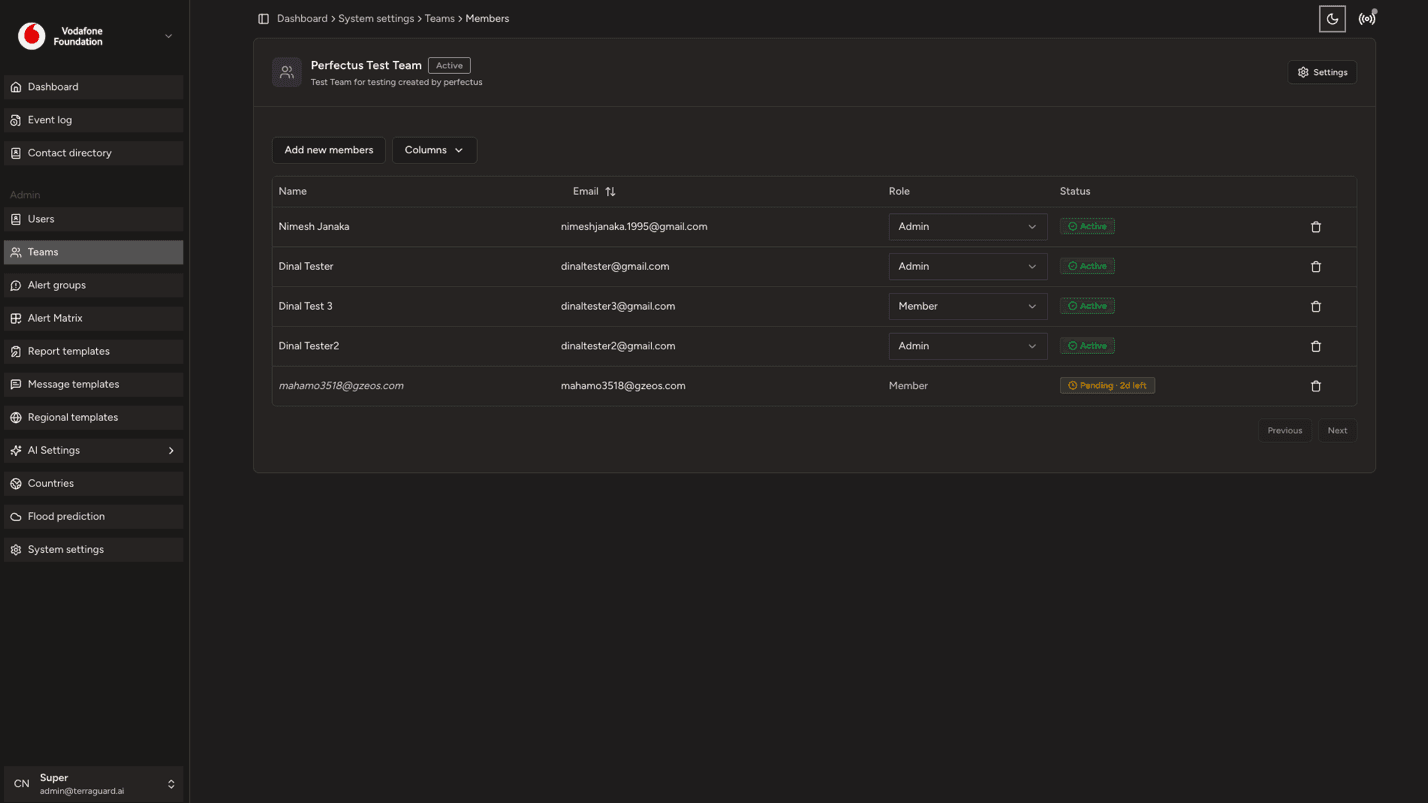
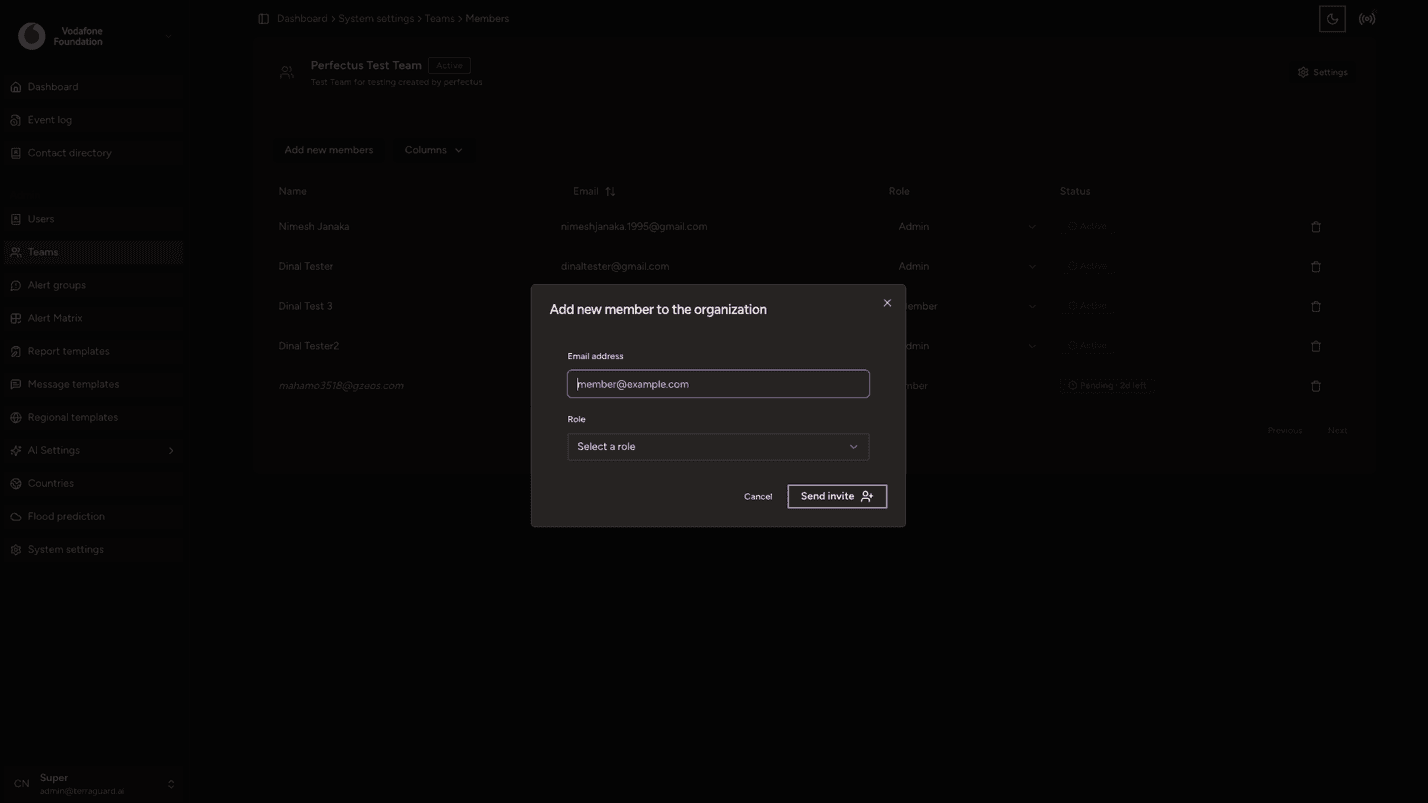
Open a team to view its current members. Use the Add Member button to include additional users, or click the remove icon next to a member's name to remove them from the team.
Deleting a Team
To delete a team, open the team record and click Delete Team. Note that deleting a team does not delete the individual user accounts within it.
Admin: Users
The Users section allows administrators to manage platform user accounts, including inviting new members, assigning roles, and deactivating accounts.
Admin: Alert Groups
Alert Groups define which contacts or teams receive notifications when an alert is triggered. You can create multiple groups for different event types,…